 How to resolve AdBlock issue?
 Treedix USB Cable Tester
A small Helper with a Big Impact
Author and photos: Peter Kaminski
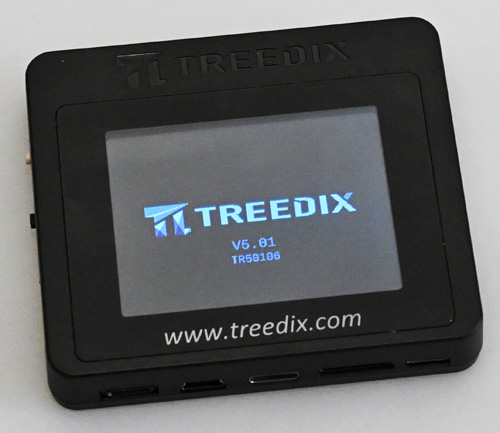
USB cables can be tricky. Although they are color-coded, this coding is usually only used for cables with USB-A connectors and the USB 3.0 protocol (blue). It is often not even clear whether a cable is purely for a power supply or whether it can also transfer data, and at what speed. A small tester from Treedix, which we took a closer look at, is intended to remedy this situation – so here's a test outside the audio field, along with some information about USB cables, their properties, and the protocols in brief.
Concept and Connections
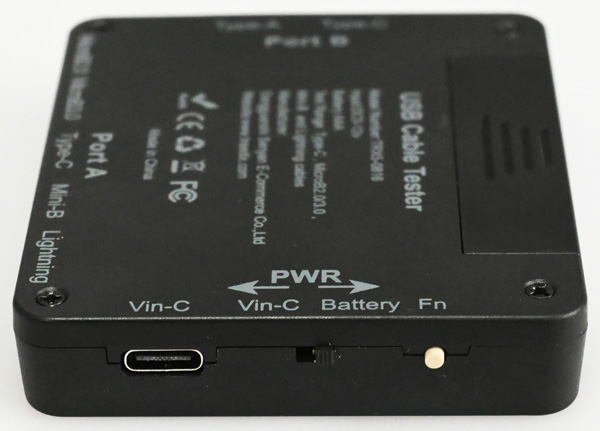
The USB Cable Tester measures 76 x 64 x 13mm and is powered by an AAA battery or a USB-C socket on the left side of the device (see figure above). A switch can be used to select the operating voltage source or to turn on the device if no external power supply via USB is used. With a standard battery, the operating time is approximately two hours. A function button is located next to the switch.
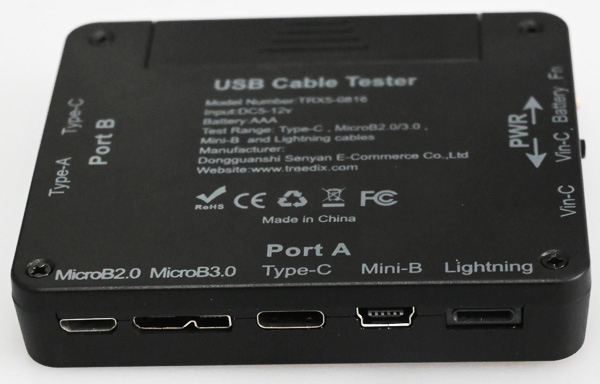
The cable to be tested is connected to two ports. Port A offers a USB Micro 2.0 and 3.0, USB-C, USB Mini, and a Lightning socket.
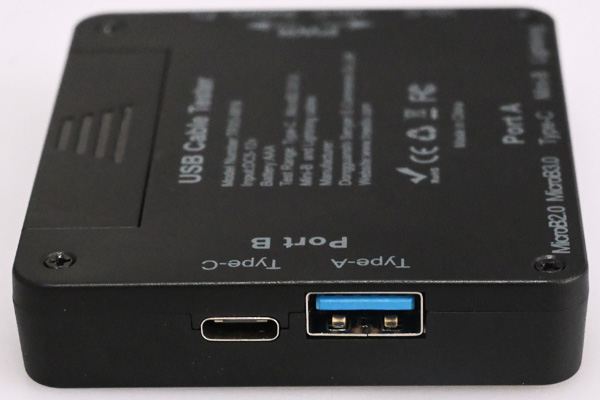
Port B then has two sockets available: USB-A and USB-C.
Operation
The USB tester has a color display and several pages. To switch to the next page, press the function button on the left side of the device mentioned above.
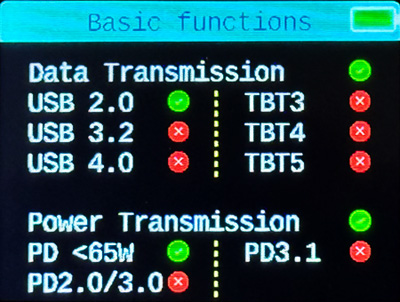
The first page shows at the bottom whether the cable is suitable for powering devices and which standard is supported. Standard PD (Power Delivery) delivers up to 65 watts, PD 2.0 and 3.0 (other power profiles) both up to 100 watts, and PD 3.1 up to 240 watts, which is even enough to power laptops. PD 2.0/3.0 is suitable for charging mobile phones, and PD 3.1 is suitable for tablets, for example.
The supported USB data transfer standards, i.e., USB and Thunderbolt (TBT), are displayed at the top. However, there are also distinctions within these individual standards that cannot be easily determined. Therefore, the absolute maximum data rate can only be determined to a limited extent with this device. However, this is more of a problem with the standards. More on this later.
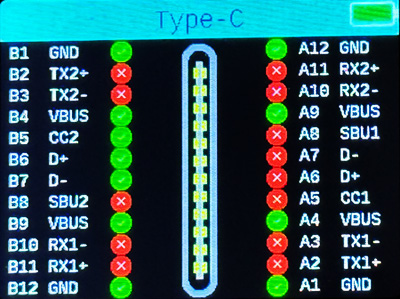
It is also important to determine what is connected to the individual pins.
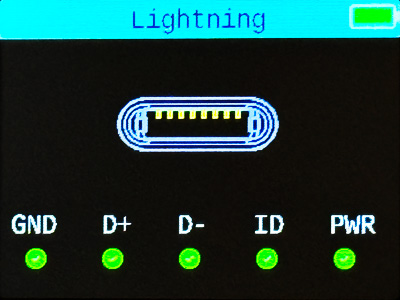
This is displayed not only for USB but also for cables with Lightning connectors (see figure above).
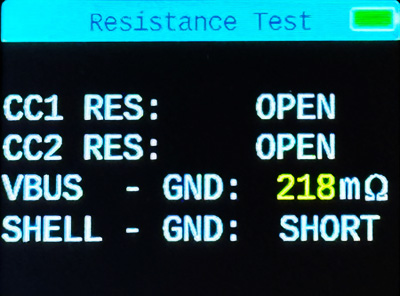
The tester also displays the ohmic resistance and whether pull-up/down resistors (CC1, CC2) are installed (OPEN: no resistance).
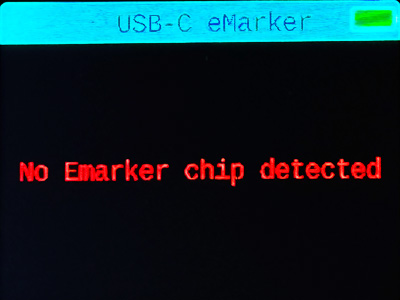
USB cables also have a so-called E-Mark chip. If this is installed in the cable, it can also be read out with the tester. Scanning the chip takes a few seconds. However, in most cases, you will see the message shown above.
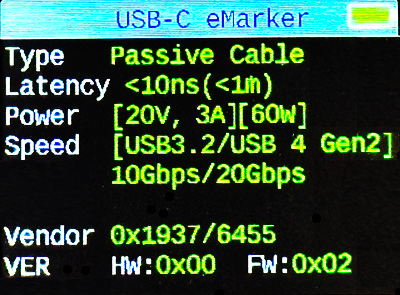
E-Mark chips are usually only found in very high-quality USB cables that are suitable for high data rates for connecting SSDs, for example. In this case, you will also have information about the maximum data rate and other data (see figure above), such as latency, manufacturer code, etc.
Conclusion
The price of the USB cable tester is listed on the manufacturer's website as $46 and can also be purchased there. A short multilingual manual is included.
This small tool has become an indispensable helper for me when it comes to USB cables. With the Treedix Cable Tester, you are always on the safe side, as you can determine whether a cable meets the requirements at all. It should be in every studio or workshop.